Heart rate is one of the few body numbers you can see change within weeks of starting to exercise. If you are over 50 and starting or rebuilding your fitness, a wrist tracker can show you that change, and it can also show you when you are pushing too hard. The difficulty is that most roundups rank trackers by spec sheet, and a long list of sensors means little if you cannot work out how to read the screen.
This guide ranks the options by how easy they are to set up, read and live with, and by which heart rate features help someone training for strength and weight loss. I started out overweight and unfit, so the focus is on what helps a beginner stay consistent. One point up front: a wrist tracker is a guide, not a medical device. It gives you useful trends, and it does not diagnose anything.
Why heart rate is worth tracking once you’re over 50
Your heart is a muscle, and it responds to training like the others. As fitness improves, it pumps more blood per beat, so your resting heart rate tends to drift down and your heart rate during a given effort tends to sit lower. These are changes you can watch over weeks, and watching them is motivating when the scales are slow.
Heart rate also gives you a read on effort that does not depend on how you feel that day. A walk that felt easy last month and now sends your pulse high might mean you are tired, short of sleep, dehydrated or coming down with something. A number does not replace listening to your body, but it backs up what you feel.
For weight loss, heart rate helps you see whether your sessions are the intensity you intended. Many people new to exercise either never get their pulse up or go flat out and burn out within two weeks. Having a visible range keeps you somewhere sensible.
For strength training, the benefits are less obvious but real. Your heart rate between sets shows how quickly you recover, and your resting rate the next morning is a rough sign of whether you have recovered from the session. If you are following a plan like the 3-day, 30-minute muscle plan for over 50s, recovery trends tell you whether three days a week is working for you or whether you need an extra rest day.
What wrist heart rate tracking can and can’t tell you
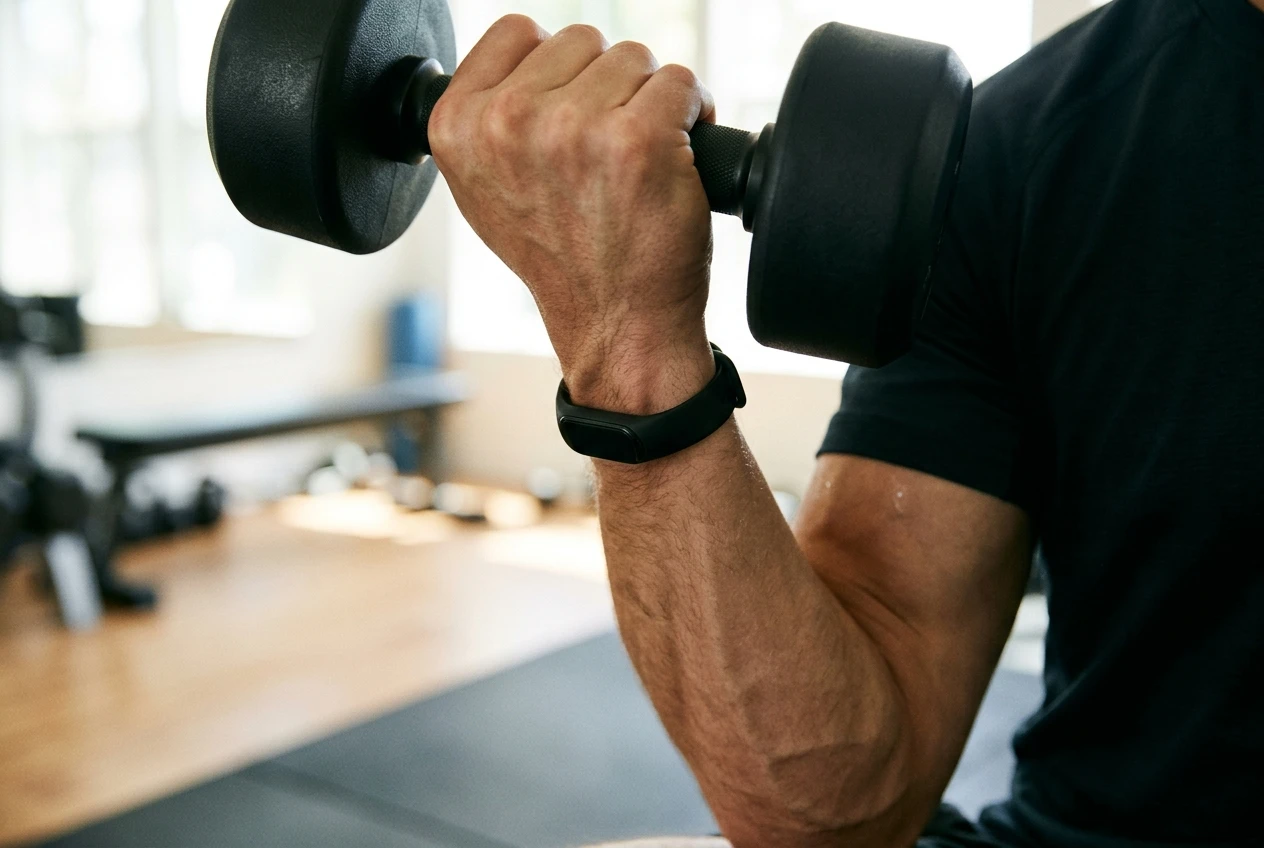
A wrist tracker measures your pulse with a light sensor that shines on the skin and detects changes in blood flow. It works well at rest and during steady activity such as walking, cycling or an easy jog. It works less well during activities that move or flex the wrist, such as lifting dumbbells, kettlebell swings or gripping a barbell hard.
That limit matters for anyone training for strength. During sets, readings can lag or jump, because gripping tightens the tendons and muscles around the sensor. A strap that is too loose or sits too far down the wrist makes it worse. So treat the number during a set as approximate, and put more trust in the reading you get while resting between sets and the trend across weeks.
Other things the wrist can’t do:
- Diagnose a heart condition. Notifications about high rates or an irregular rhythm are prompts to speak to a doctor, not results.
- Replace an ECG or a medical check. If you have a known heart condition, take medication that affects your pulse (beta blockers are a common example, and they lower heart rate), or have symptoms such as chest pain, dizziness or breathlessness out of proportion to effort, talk to your doctor before relying on any tracker.
- Give a precise calorie burn. Calorie estimates from wearables are rough. Use them as a loose guide and never as permission to eat more.
Dark skin, tattoos, cold hands and a loose fit can all reduce sensor accuracy. If your readings look odd, try snugging the band a finger-width above the wrist bone before you assume the device is faulty.
The features that matter: resting rate, alerts, recovery and rhythm notifications
Trackers advertise dozens of features. For over 50s starting out, four are worth looking for.
Resting heart rate
This is the most useful single number. A typical adult resting rate is often quoted as 60 to 100 beats per minute, and fitter people usually sit toward the lower end. What matters more than where you fall in that range is your own direction over time. A slow downward trend over a few months usually means your fitness is improving. A sudden rise of several beats that lasts a few days can mean illness, stress, poor sleep or overtraining.
Look for a tracker that shows resting rate as a simple graph over weeks, not just a single number each day.
High and low heart rate alerts
Some trackers will notify you if your heart rate stays above or below a set level while you appear to be inactive. For a beginner, this works as a safety net. It will not catch everything, and it is not a substitute for medical care. If an alert goes off and you feel unwell, seek medical advice rather than waiting to see what the app says.
Irregular rhythm notifications
Certain models can check your pulse in the background and tell you if it looks irregular, which may be a sign of a condition such as atrial fibrillation. The risk of atrial fibrillation rises with age, so many over 50s find this feature reassuring. The notification is only a flag. Availability depends on the model and on where you live, so check the current product page for the feature in your country.
Recovery trends
Some trackers turn your resting rate, heart rate variability and sleep into a recovery or readiness score. These are useful for spotting patterns, for example that your resting rate climbs after two hard days in a row. The scores come from each brand’s own formula, so compare your score with how you actually feel and with your own history, not with other people’s.
A feature you can skip as a beginner is detailed training zone analysis across a dozen sports. It only makes sense once you have a routine.
Ease of use: how the trackers are judged here
For this ranking, ease of use comes down to four things. They apply whichever tracker you are considering.
Setup. A good tracker should pair with your phone in a few minutes and ask you for little more than your age, height and weight. Check whether the app needs an account, whether it is clear about permissions, and whether a family member could help you set it up from the instructions in the box.
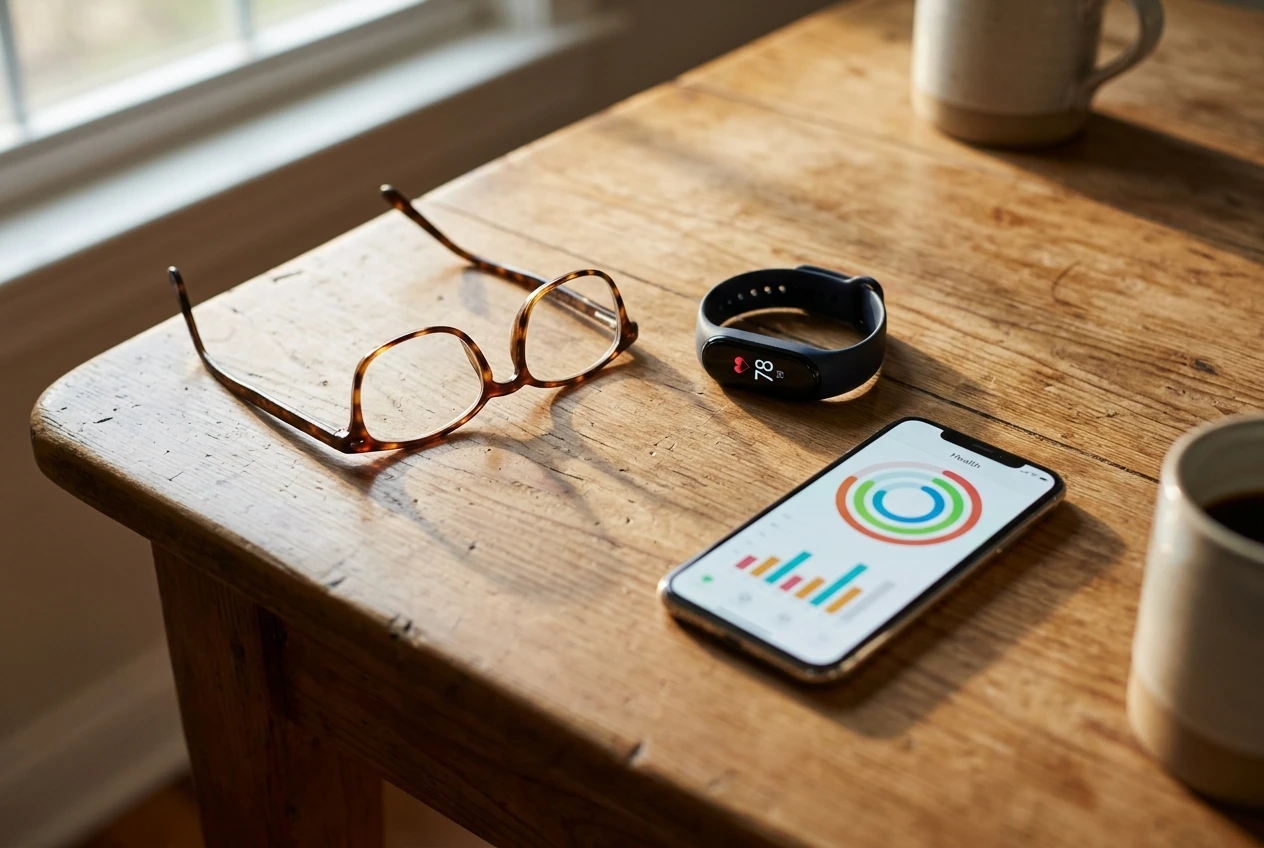
Screen readability. Many people over 50 need reading glasses, and many wearables have small text. Look for a bright, high-contrast display, a large heart rate figure and the option to increase text size. A screen that is dark in sunlight is no use for an outdoor walk. If you can, try the device in a shop before buying, or buy from a retailer with an easy returns policy.
Battery life. A tracker that needs charging every night is easy to forget. Many full smartwatches need charging daily or every couple of days, while simpler bands and some fitness watches often last longer between charges. Battery life varies by model and by how many features you switch on, so check the manufacturer’s current figure. A watch on your charger is not tracking your sleep, resting heart rate or recovery.
The app. The phone app is where you will read your data, so it deserves as much attention as the device. A good beginner app shows today’s resting rate, a weekly trend, and your activity, with plain-English labels and no clutter. Weak apps bury the numbers behind menus or nudge you towards a paid subscription for basic charts. Check which features are free and which are behind a subscription before you commit.
The best heart rate trackers for beginners who dislike tech
If you want something that works without much fuss, a slim fitness band is the best fit. Bands like those in the Fitbit Charge range are built around the basics: a continuous pulse reading, resting heart rate trends, sleep, step counts, and in many models notifications for high or low rates and irregular rhythm. They do not try to do everything a smartwatch does, which keeps the menus short and the screen uncluttered.
What suits beginners about this type of tracker:
- A narrow set of screens, so there is less to learn
- An app that puts daily and weekly heart rate trends near the top
- Often a lighter, more comfortable feel for wearing overnight
- No need to learn a full smartwatch interface
If you are already using an iPhone and are comfortable with it, an Apple Watch is also a reasonable choice for someone who wants one device for everything. It offers high and low heart rate notifications and irregular rhythm notifications, and its large, bright display is easy to read. The trade-off is that it needs charging often and has more features than you will use at first. A simpler band may suit you better if you have never worn a smartwatch.
Before buying any model, check the manufacturer’s page for the current feature list, because features differ between versions and some health features are not available in every country.
The best options if you want deeper health data and strength training tracking
If you enjoy looking at your numbers and want a tracker that can grow with your training, a sports-focused watch is worth a look. Garmin’s Forerunner and Venu ranges are common examples. Many models in these ranges show resting heart rate, a recovery estimate, heart rate variability, sleep data and a strength training mode where you can log sets and reps. They also tend to be better at showing your heart rate zones during a workout.
The extra data will not help much if you never look at it, so this type of watch is a better fit once you have been training for a few weeks and want to find out how your body responds. The menus are more detailed than a basic band, and the app has more tabs. The watches are designed for long training sessions, so battery life on many models is longer than on a typical smartwatch, but check the figure for the specific model you are considering.
Whichever brand you pick, a device with a strength mode will let you record a session and then see your heart rate across it. That gives you a picture of how hard the session was overall, even if individual readings during sets are rough. For routines such as the exercises in muscle building exercises for over 50s, that overall picture is more useful than any single reading.
Wrist band or chest strap: which suits your training
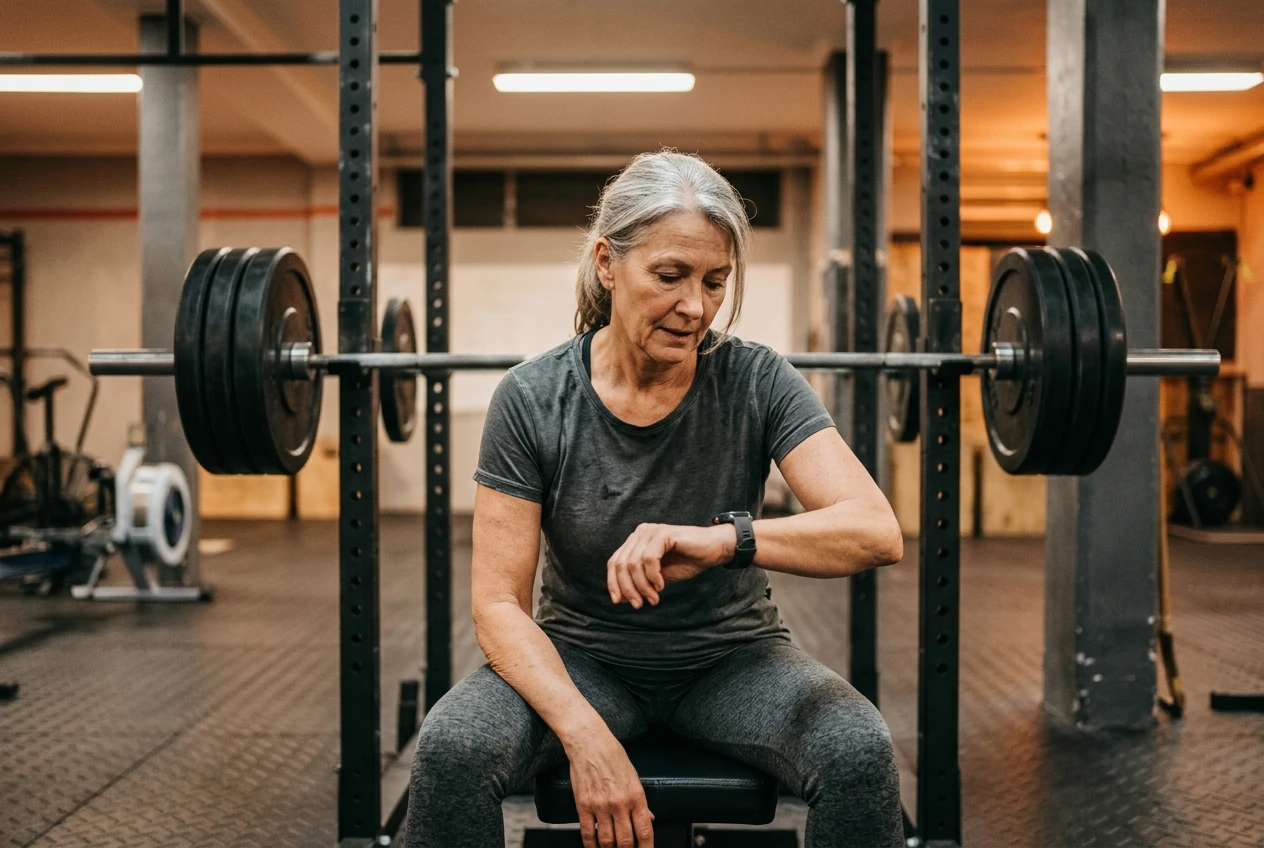
A chest strap measures your heart’s electrical signal from your chest instead of reading blood flow at the wrist. It is generally more accurate for fast changes in heart rate, which is why many serious athletes use one. For strength training, where gripping disrupts the wrist sensor, a chest strap tends to give steadier readings during sets.
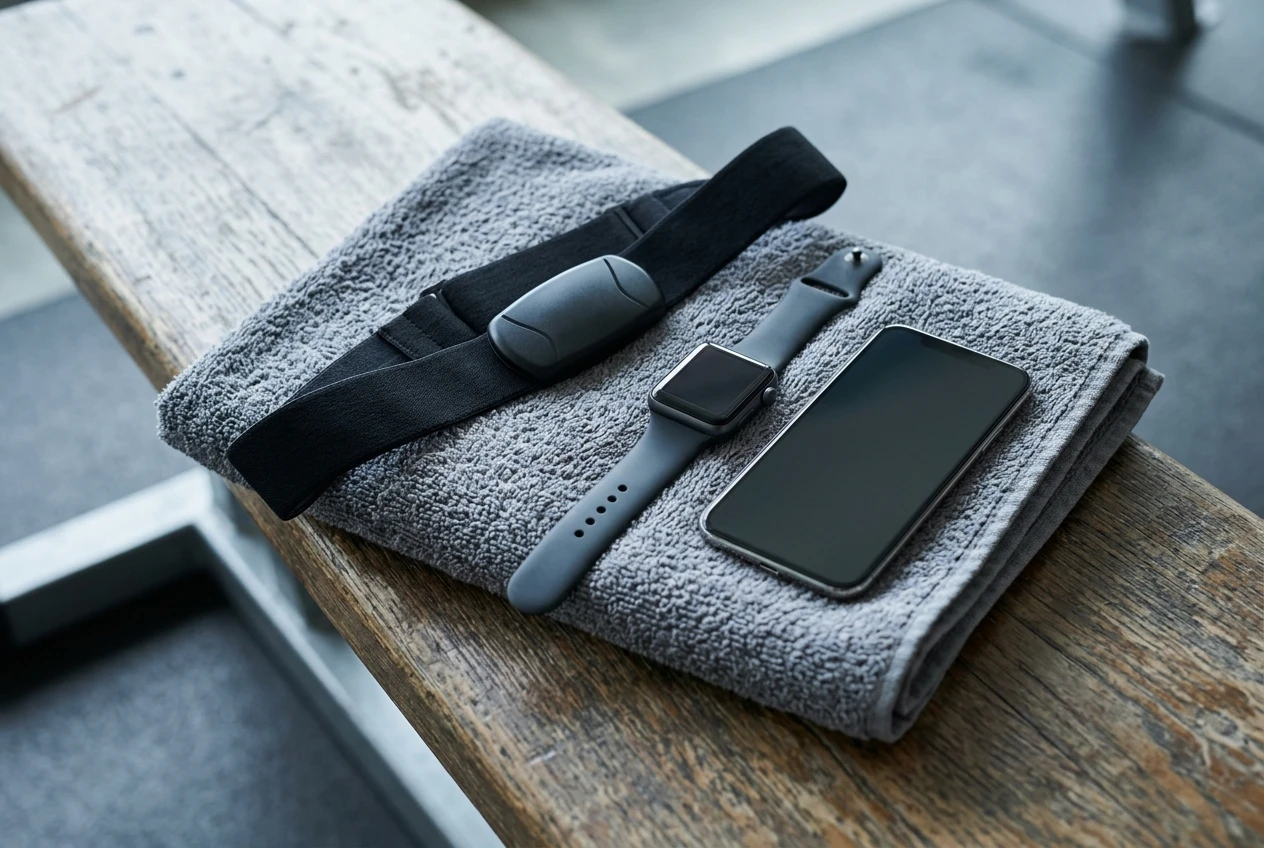
A well-known example is the Polar H10, which pairs with many apps and watches over Bluetooth. A strap does not show you anything on its own, so you need a phone, watch or app to see the data.
The case for a chest strap:
- More reliable readings during lifting, intervals and other fast changes in effort
- Good for checking whether your wrist tracker is reading accurately
- Often cheaper than a watch
The case against:
- It is one more thing to put on, wet and clean
- Some people find it uncomfortable
- It does not track sleep, steps or resting trends on its own, so it is not a full tracker
For most beginners, a wrist tracker is the better place to start because you will actually wear it. If you later find the readings during lifting frustrating, add a strap and keep the wrist device for everyday tracking.
Using your heart rate data to train smarter and lose weight, without obsessing
A tracker is useful only if it changes what you do. A few habits make the numbers worth having.
Check your resting rate once a week, not every hour. Look at the weekly trend, not the daily wobble. A single high reading after a poor night means very little. A week of readings above your normal means more.
Use a rough effort range for walking and cardio. A common rule of thumb for maximum heart rate is 220 minus your age, though it is only an estimate and individual maximums vary a lot. Many beginners do well keeping most cardio at a pace where they can still speak in short sentences. If your tracker offers heart rate zones, use the easy zone for most sessions. If you have a heart condition or take medication that changes your pulse, ask your doctor what range is right for you.
Use recovery trends to schedule strength days. If your resting rate is up and your sleep was poor, an easier session or a rest day is a reasonable call. Strength training builds muscle during recovery, so rest is part of the plan. The muscle guide for over 50s explains why recovery matters more with age.
Keep weight loss tied to habits you can sustain. A tracker’s calorie figure is an estimate, so avoid eating back every burned calorie. Use the tracker to build consistency with daily movement, and pair it with a plan that fits your life. The guide to creating a sustainable weight loss plan covers that side of it.
Stop looking when it stops helping. If checking your numbers makes you anxious, hide the heart rate widget for a week or two. Data should make you calmer and more consistent. If it does the opposite, take a break from it. For anyone dealing with mental health struggles alongside fitness, that matters as much as the numbers themselves.
Which tracker to pick based on how you’ll actually use it
Match the device to your habits, not to the longest feature list.
- You want something simple, comfortable and low-maintenance: choose a slim fitness band, such as one from the Fitbit Charge or Fitbit Air range, and check that your model includes the heart rate notifications you want. For prices and features on the Fitbit Charge see here. For prices and features on the Fitbit Air see here.
- You already use an iPhone and like a big, clear screen: an Apple Watch may be the easiest device to live with, as long as you do not mind charging it often. For prices and features on Apple Watch see here
- You lift weights, enjoy data and want recovery and strength tracking: look at a Garmin Venu model.
- Your wrist readings during lifting look unreliable: add a chest strap such as the Polar H10 alongside your tracker. See here for prices and features
- You have a heart condition, take heart medication or have symptoms: speak to your doctor first, and treat any tracker as a supplement to medical advice.
Before you buy, check the current features, the app’s subscription requirements and the returns policy. You can find the recommended trackers through the affiliate links on this page, which let you compare current prices and reviews. If you buy through them, I may earn a commission at no extra cost to you.
Once you have a tracker and a few weeks of data, the next step is turning those numbers into a training plan. Read the guide on how to improve VO2 max to see how your heart rate data can shape your cardio sessions.